Your GEO data inside ChatGPT, Claude and Cursor.
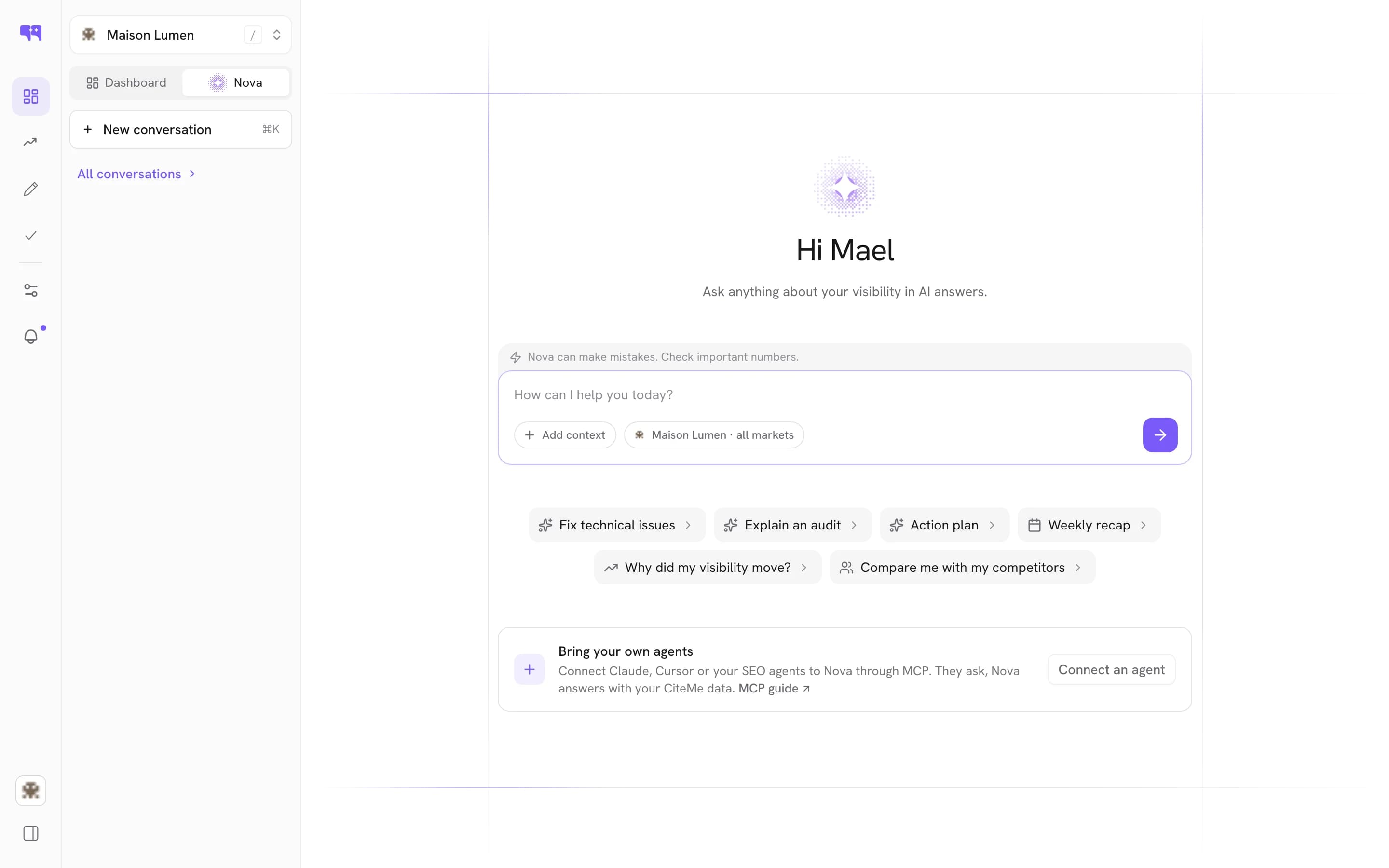
Citeme runs a remote MCP server. Fourteen tools put your GEO audits, citations, prompts and AI visits inside ChatGPT, Claude, Cursor, n8n and any MCP client. One endpoint, nothing to install.
3 days for $1Cancel in one click10 AI engines covered

What an SEO MCP server is
MCP, the Model Context Protocol, is the standard an AI client uses to call an outside tool. A remote MCP server exposes that tool over the network instead of on your machine: you connect one endpoint in ChatGPT, Claude, Cursor or n8n, and the assistant reads live data rather than guessing from its training. Ask which engines cite you this week, and the answer comes from your own audits.
What the platform measures, callable from a chat.
Projects and audits
list_projects returns your projects and their technical snapshot. get_latest_audit returns the latest run: score, status, duration, creation time and the region simulated.
Citations and AI visits
list_citations returns the answers where your pages were picked up across ten engines, list_ai_visits the visits that came from an AI. Which pages get cited, and whether that brings anyone.
Prompts, topics, markets
list_prompts, list_topics, list_topic_prompts and list_markets return what you track and where. list_suggestions returns the optimisation recommendations generated from your audits.
Visibility by engine
visibility_by_model breaks visibility down engine by engine, from one formula: visibility × 0.4, authority × 0.3, sentiment × 0.3. A weak engine always traces back to one of three causes.
Trends and comparisons
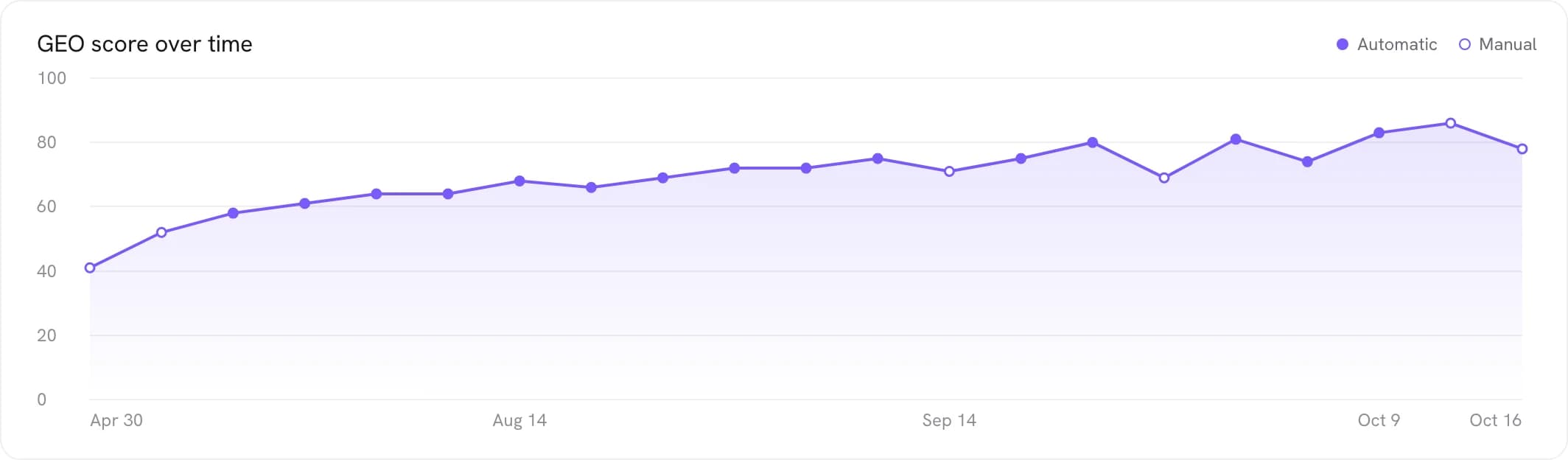
visibility_trend returns the movement over time. compare_visibility sets you against competitors or an earlier period, separating a real shift from ordinary model fluctuation.
Two tools that write
create_topic and create_prompts add what to watch. No tool deletes data, edits your content or publishes a page, and Citeme never sees your conversations.
One endpoint, every MCP client.

Three steps. No setup project.
Connect the endpoint
Add https://mcp.citeme.io/ as a remote MCP server. Claude signs in over OAuth; other clients use a Citeme CLI key.
Let the client list the tools
The fourteen tools appear on their own. There is nothing to declare tool by tool.
Ask in plain language
Which engines cite us, what moved this month, how do we compare. The client picks the right tool.
Good to know
The questions teams ask before they turn on MCP Server.
What is MCP, and why does an SEO tool need one?
MCP, the Model Context Protocol, is the standard way an AI client asks an outside system for data or an action. A client that supports it discovers the tools a server offers and calls them mid-conversation. People already draft pages and argue priorities in ChatGPT, Claude or Cursor; with MCP, the assistant reads the real audit before it gives you an opinion.
Which tools does the Citeme MCP server expose?
Fourteen, and they are the whole surface. Twelve read: list_projects, get_latest_audit, list_citations, list_ai_visits, list_prompts, list_topics, list_topic_prompts, list_markets, list_suggestions, visibility_by_model, visibility_trend and compare_visibility. Two write: create_topic and create_prompts, which add topics and prompts to what the platform tracks. The client discovers all fourteen on its own.
Is this a remote MCP server, or something I have to install?
It is remote: hosted by Citeme, with no package to install, no process to keep alive and no local port to expose. In Claude you add Citeme as a connector and sign in over OAuth, no key to paste. Other clients use the endpoint URL and a Citeme CLI key. For Claude Desktop's local configuration or Claude Code, the server reads the Citeme CLI credentials: one citeme login covers both.
Which clients can connect to it?
Any client that implements MCP: in practice ChatGPT, Claude, Cursor and n8n, and the list keeps growing because the protocol is open. In n8n, the fourteen tools become nodes in a workflow, so a scheduled run can read your visibility trend and decide what to do with it, instead of someone checking a chart on Monday morning.
How is an MCP server different from the Citeme API?
Same data, different consumer. CiteAPI is a REST API: you write code against it and handle auth, pagination and shapes yourself. It is the right tool when you are building a dashboard, a script or a product feature. The MCP server is for when the consumer is a model: it describes its own tools, and you never write a request.
Can the MCP server change things, or only read them?
Twelve of the fourteen tools only read. create_topic and create_prompts put new topics and prompts under tracking, measured by the next audit like any other. None of them publishes a page, edits your content, deletes data or changes your project settings. Acting on what the assistant finds happens through Nova, with your approval and its execution log.

See it on
your own market.
Test your prompts on the ten AI engines: 3 days for $1, then cancel anytime.